Coming soon on the App Store
Your screen time, as a percentage.
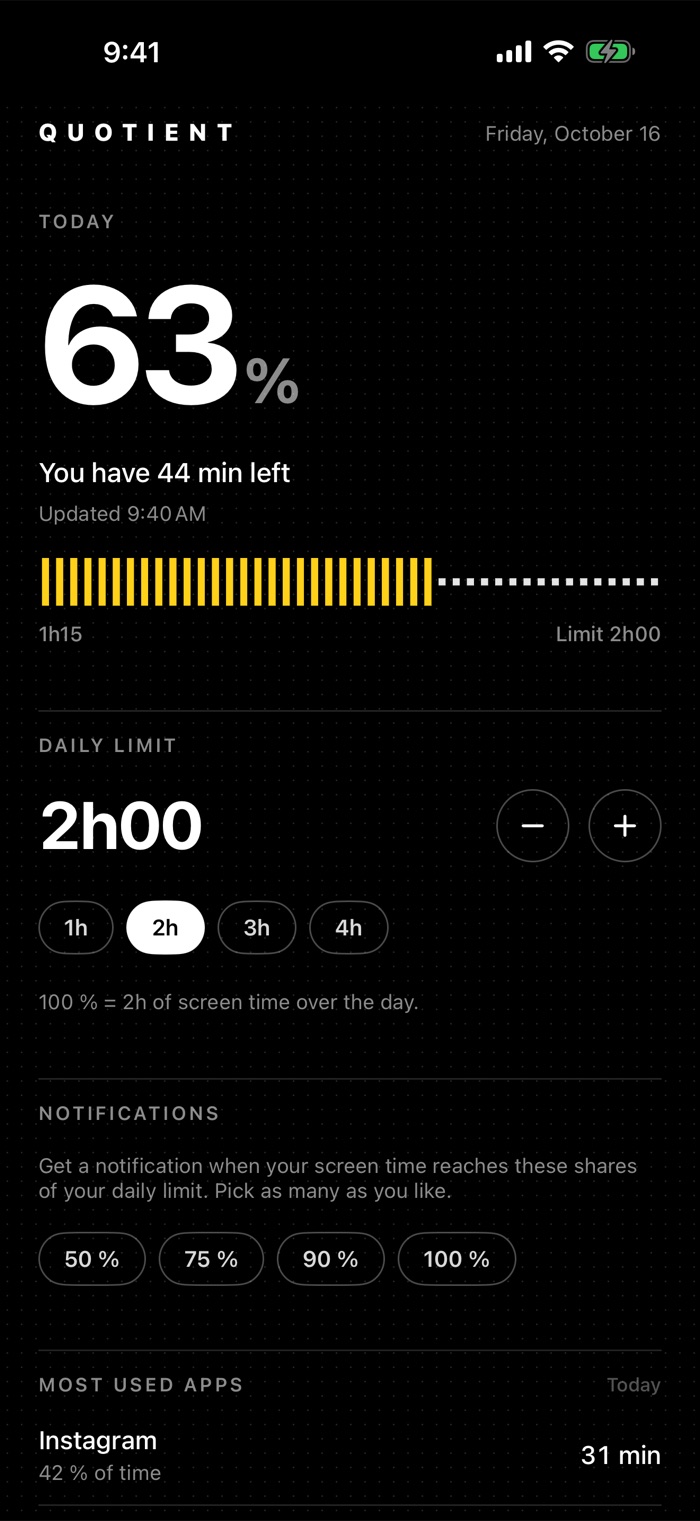
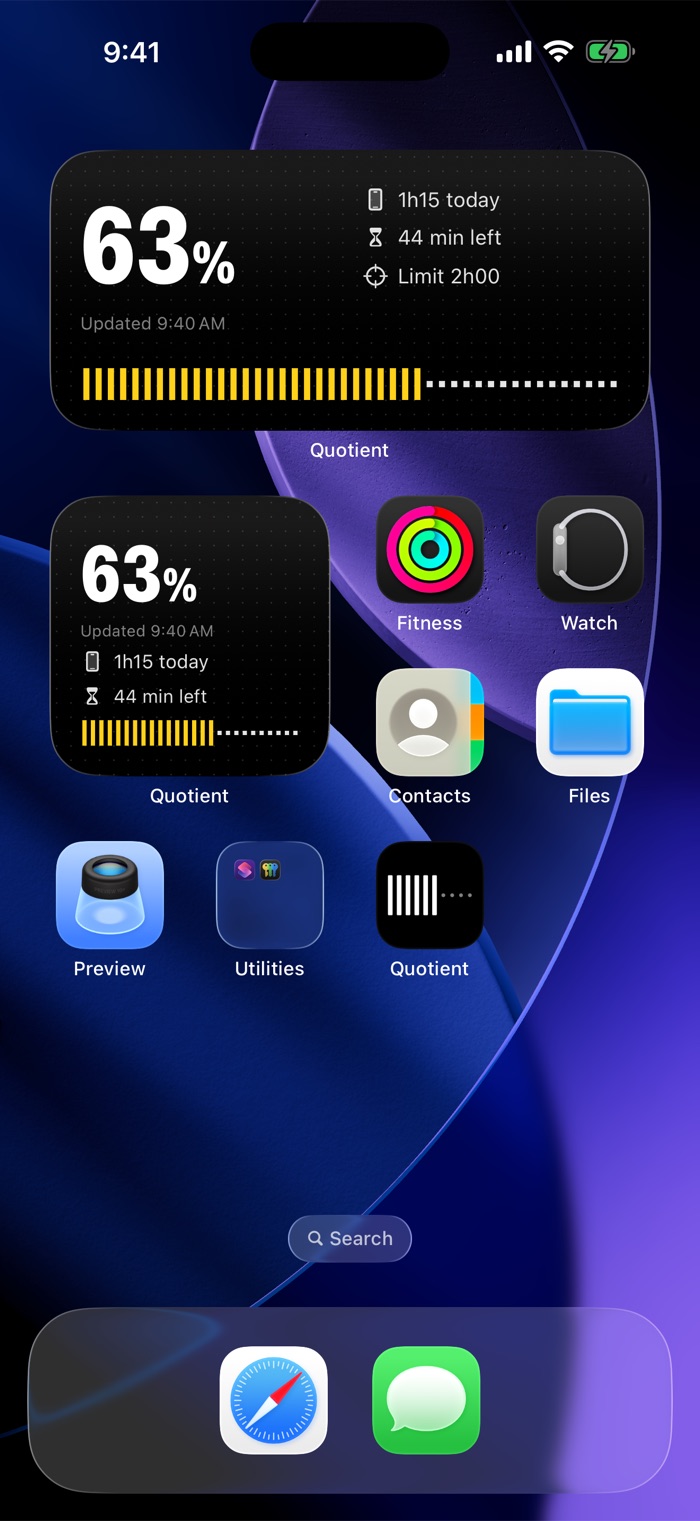
Set a daily limit. Quotient shows how much of it you have used, in the app, on your home screen and on your lock screen.
One number that means something
100% is your daily limit, whatever it is. 63% tells you more at a glance than 1h15, and it still shows the minutes left.
- – Daily limit from 1 hour to as long as you like, changed in a tap.
- – A segmented bar that fills up through the day.
- – Resets at midnight, no setup to repeat.
Widgets that look good
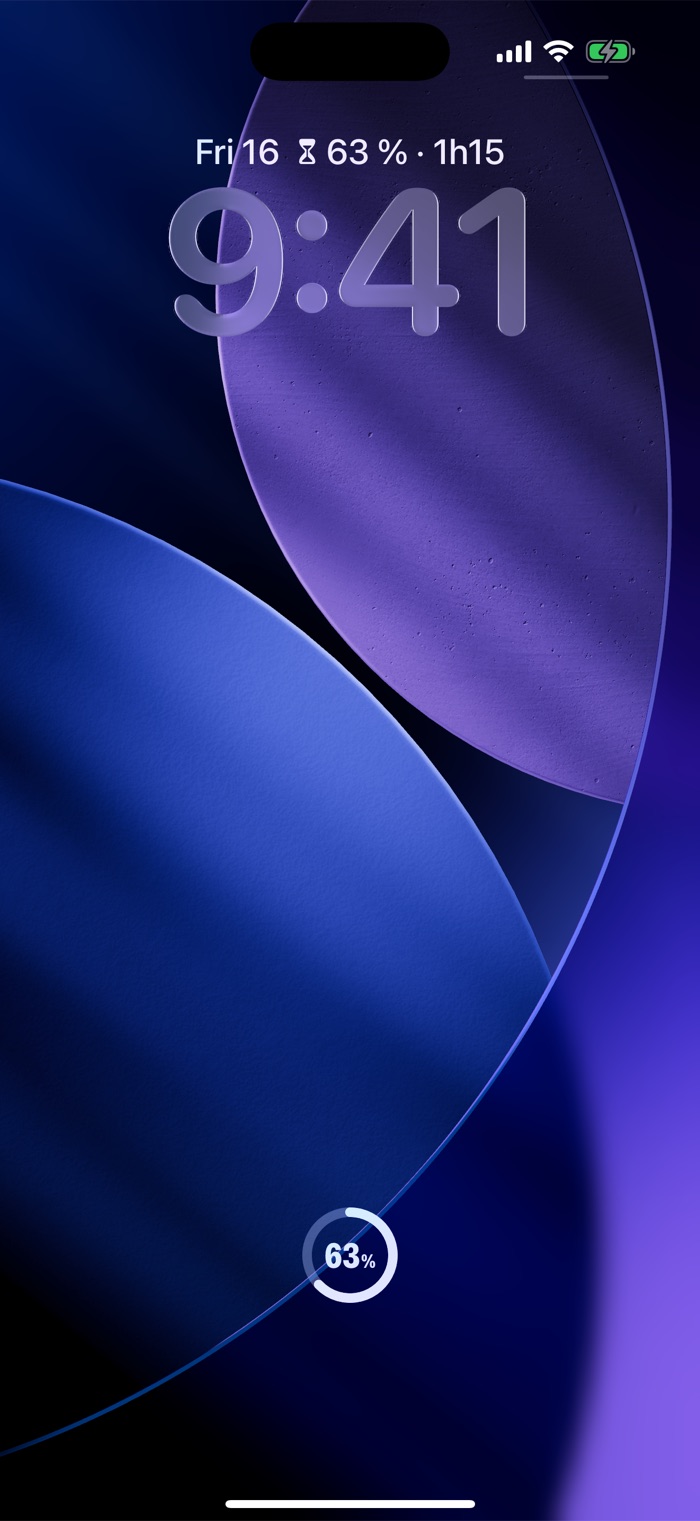
Small and medium widgets for the home screen, circular and inline widgets for the lock screen. Pick the one you like, or all of them.
- – Color mode turns the bar from green to red as you get close to the limit.
- – A refresh button redraws the widget right away.
- – Lock screen widgets follow iOS: monochrome.
A nudge before the limit
Get a notification at 50%, 75%, 90% and 100% of your limit. Pick as many as you like. They arrive even when the app is closed.
- – One notification per threshold and per day.
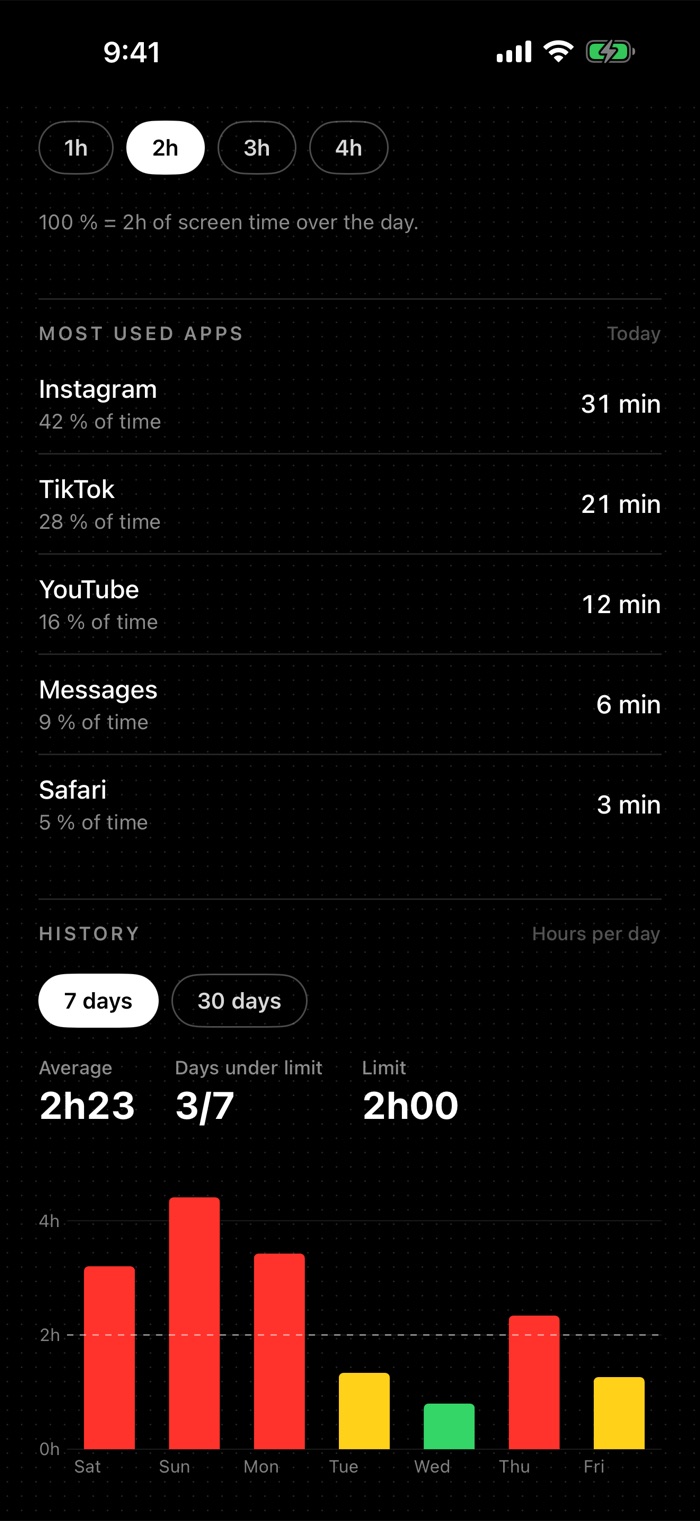
- – History over 7 or 30 days, with the average and the days under your limit.
- – Your most used apps of the day.
It stays on your iPhone
Quotient reads your screen time through Apple's Screen Time framework and computes the percentage on the device. No account, no server, no ads, no analytics. Nothing leaves your iPhone.
Privacy Policy →Good to know
- – Works on iPhone with iOS 17 or later.
- – Available in English, French, German, Spanish, Italian and Portuguese.
- – iOS asks you to allow Screen Time access the first time (with your passcode or Face ID). Without it, Quotient cannot read your usage.
- – Widgets are redrawn by iOS, which limits how often it does so. The app shows the exact time of the last update.