Your camera roll,
finally clean.
FlickFlush is the fastest way to clean your photo library. Swipe through your photos like Tinder — keep what matters, trash the rest.
Tinder for your
camera roll.
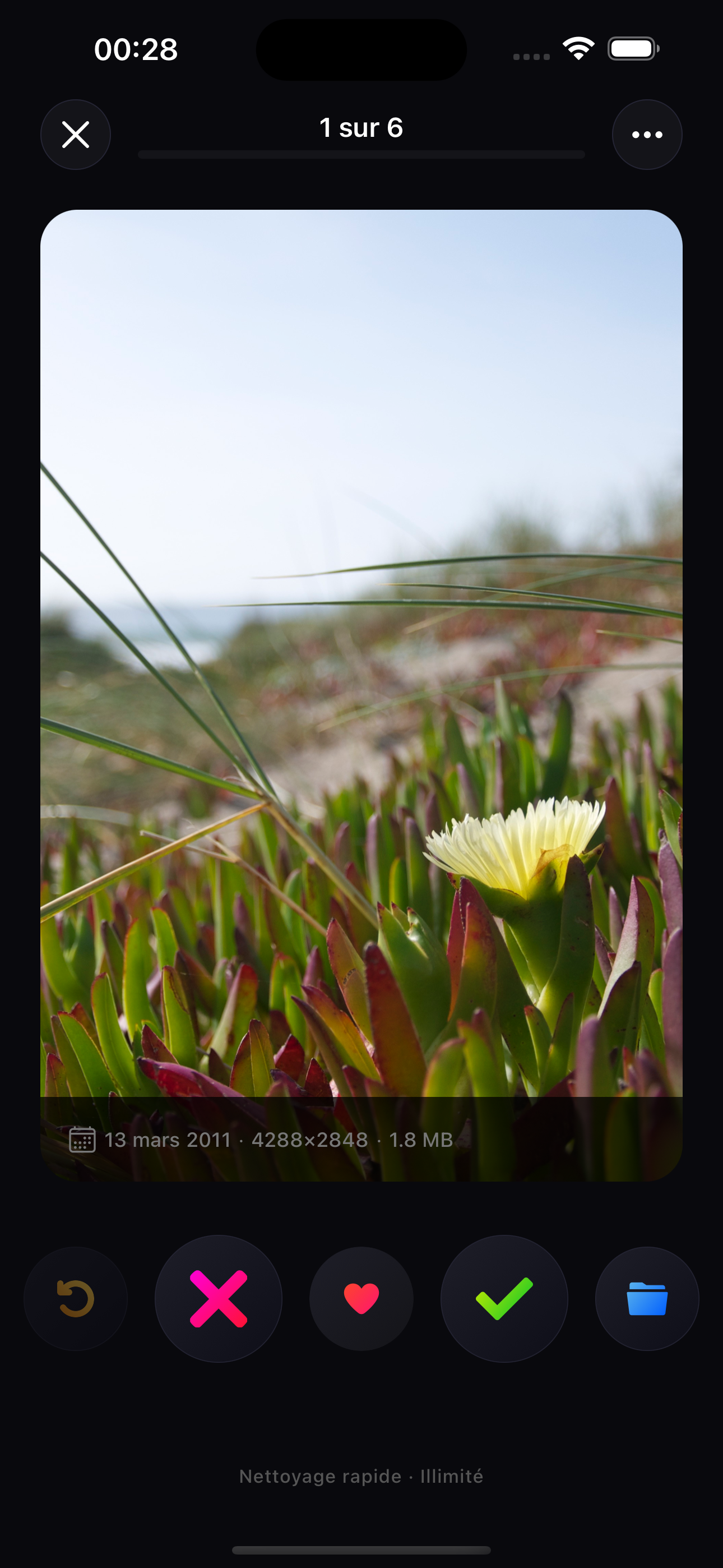
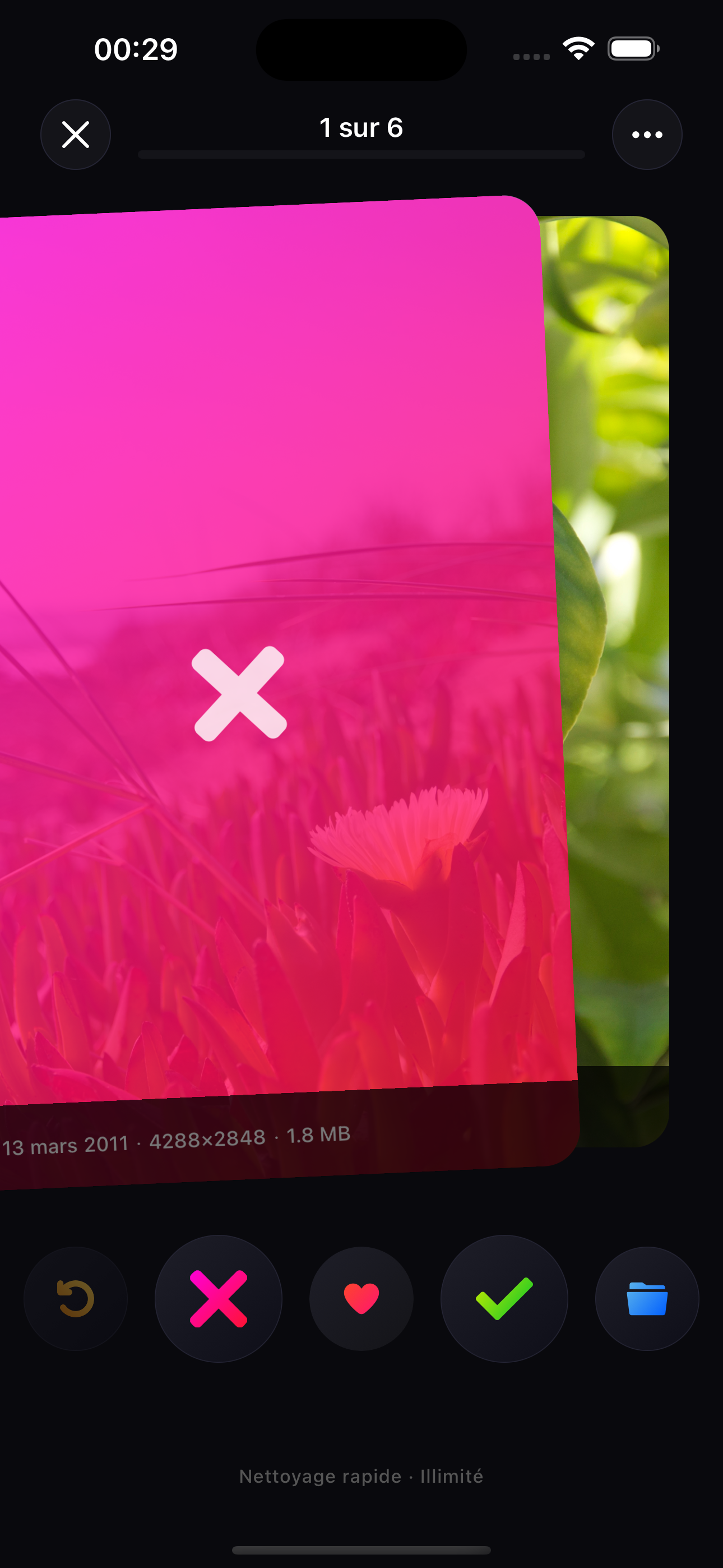
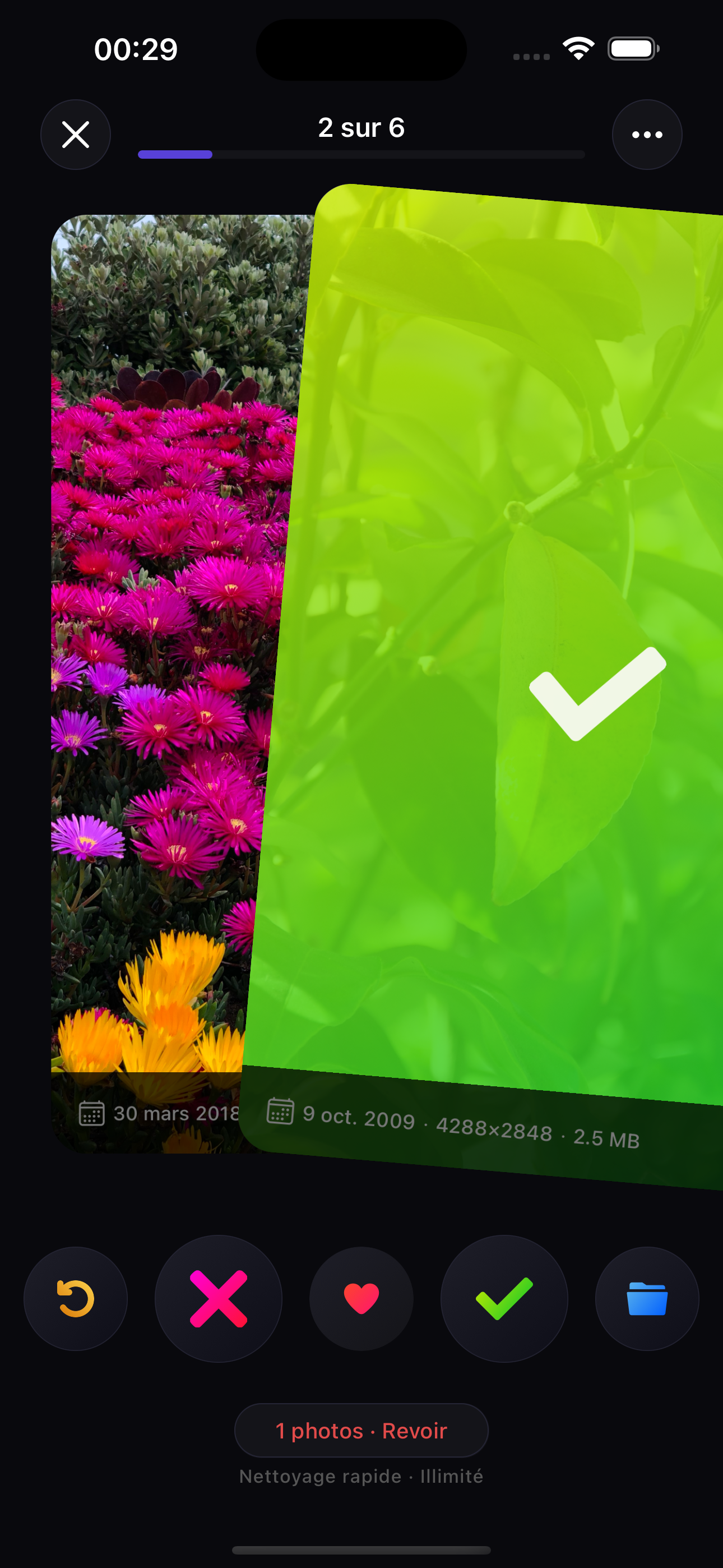
The fastest way to decide what stays and what goes. One swipe per photo — left to trash, right to keep. Satisfying, instant, addictive.
Swipe left — trash
Send photos to the review basket. Nothing is deleted until you confirm.
Swipe right — keep
Instantly move on. Zero friction, zero regret.
Undo anytime
Tap undo and your last decision reverses instantly.
Keep, trash,
love — or sort.
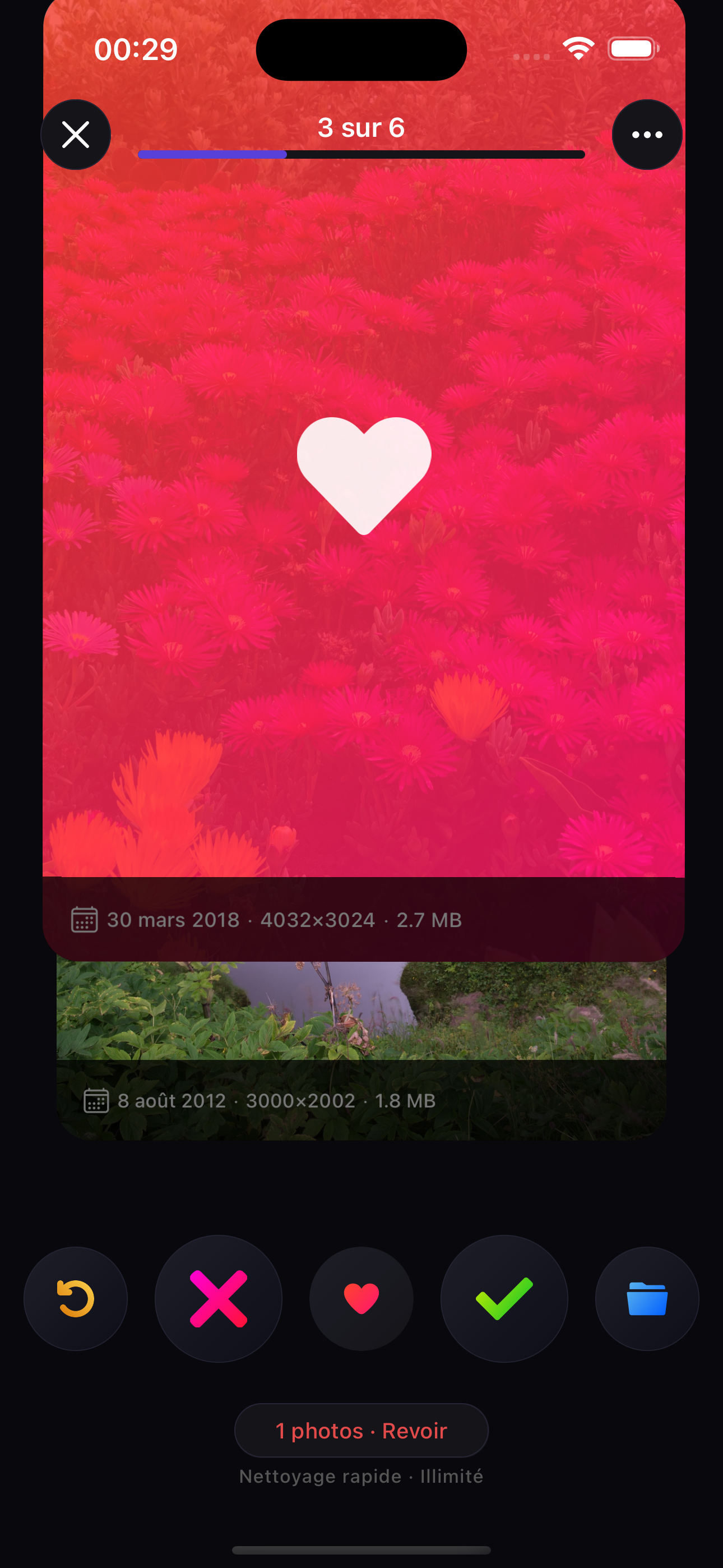
Not every photo is a yes or no. Heart your best shots as favorites, or assign them to albums — all without leaving the swipe flow.
Swipe up — favorite
Add your best photos to Favorites in one motion.
Assign to album
Tap the folder button to place the photo into any album — create a new one on the fly.
60fps animations
React Native Reanimated 3 makes every gesture feel native and instant.
Sort as you swipe.
No extra steps.
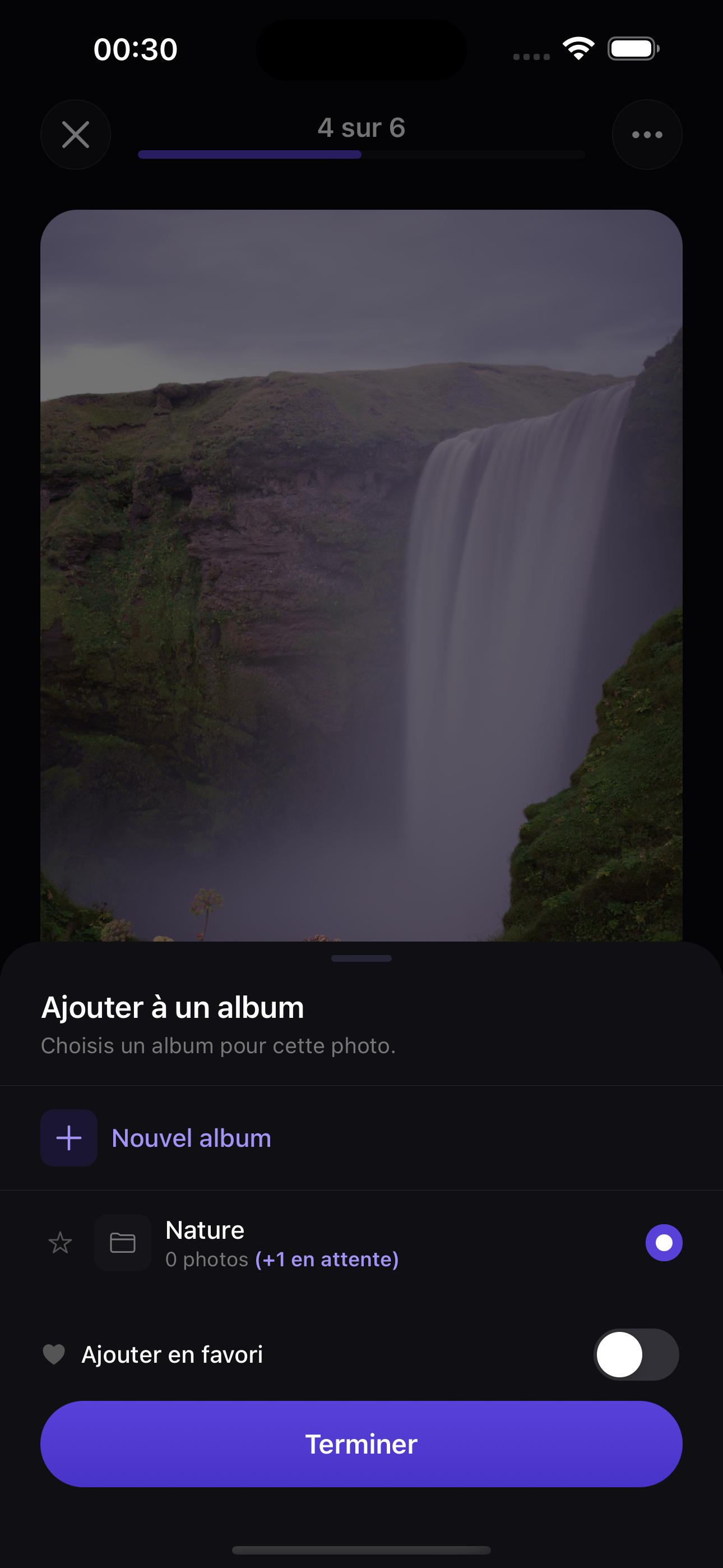
While reviewing a photo you can instantly assign it to any existing album — or create a new one on the spot. Organisation and cleanup in a single session.
Pick any album
A bottom sheet lists all your albums. Tap to assign without leaving the swipe flow.
Create a new album
Tap "New Album" to name and create an album right there, then assign immediately.
Add to Favorites in one tap
Toggle "Add to Favorites" directly from the album sheet for your best shots.
Stop duplicates
eating your storage.
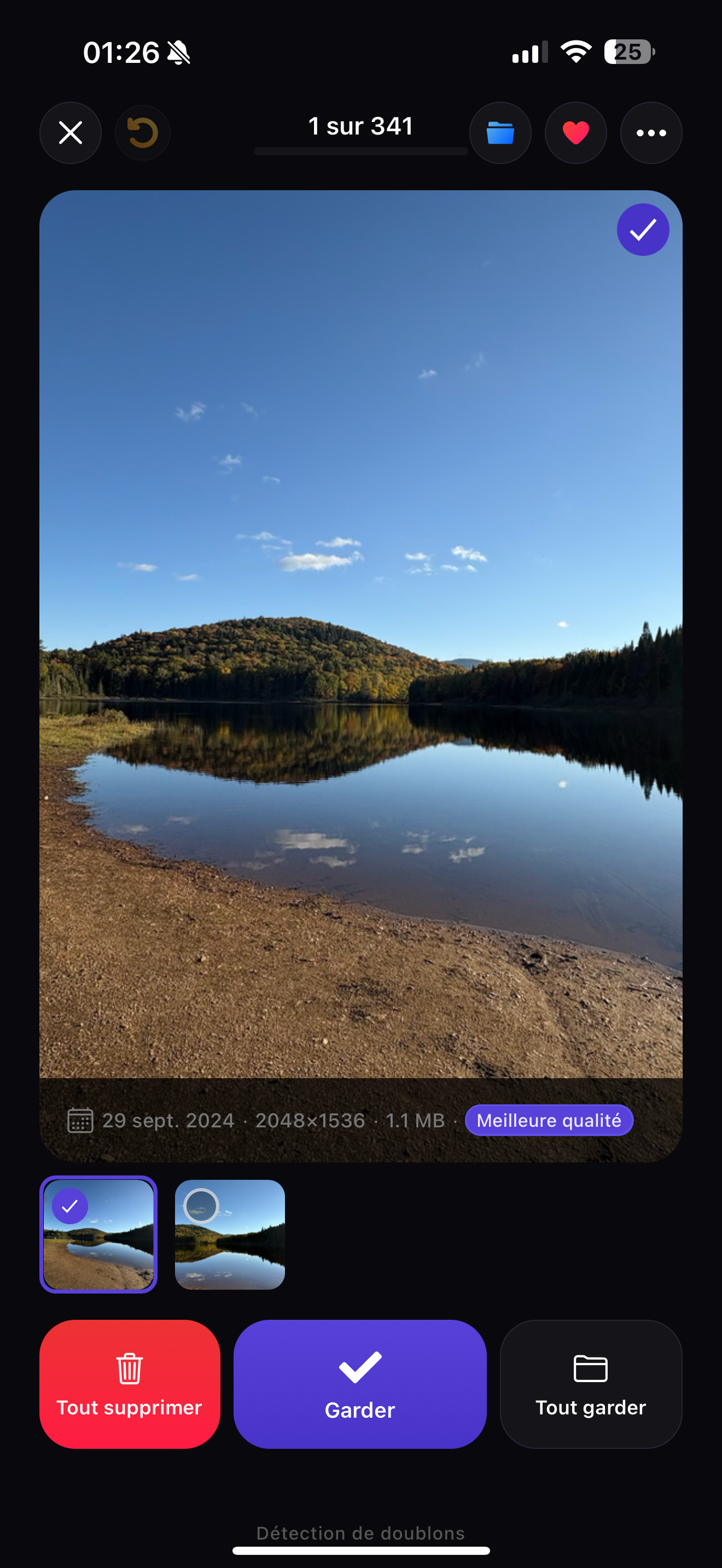
FlickFlush automatically groups near-identical photos, burst series, and screenshots. Keep the best one, delete the rest — in a single tap.
Best quality auto-identified
FlickFlush badges the sharpest photo in each group — just confirm and move on.
Delete all or keep all
One button to wipe the whole group, one to keep everything. Fast, no friction.
Hundreds of groups per session
Bursts, similar shots, screenshots — FlickFlush finds them all and presents each group one by one.
Three modes
for every need.
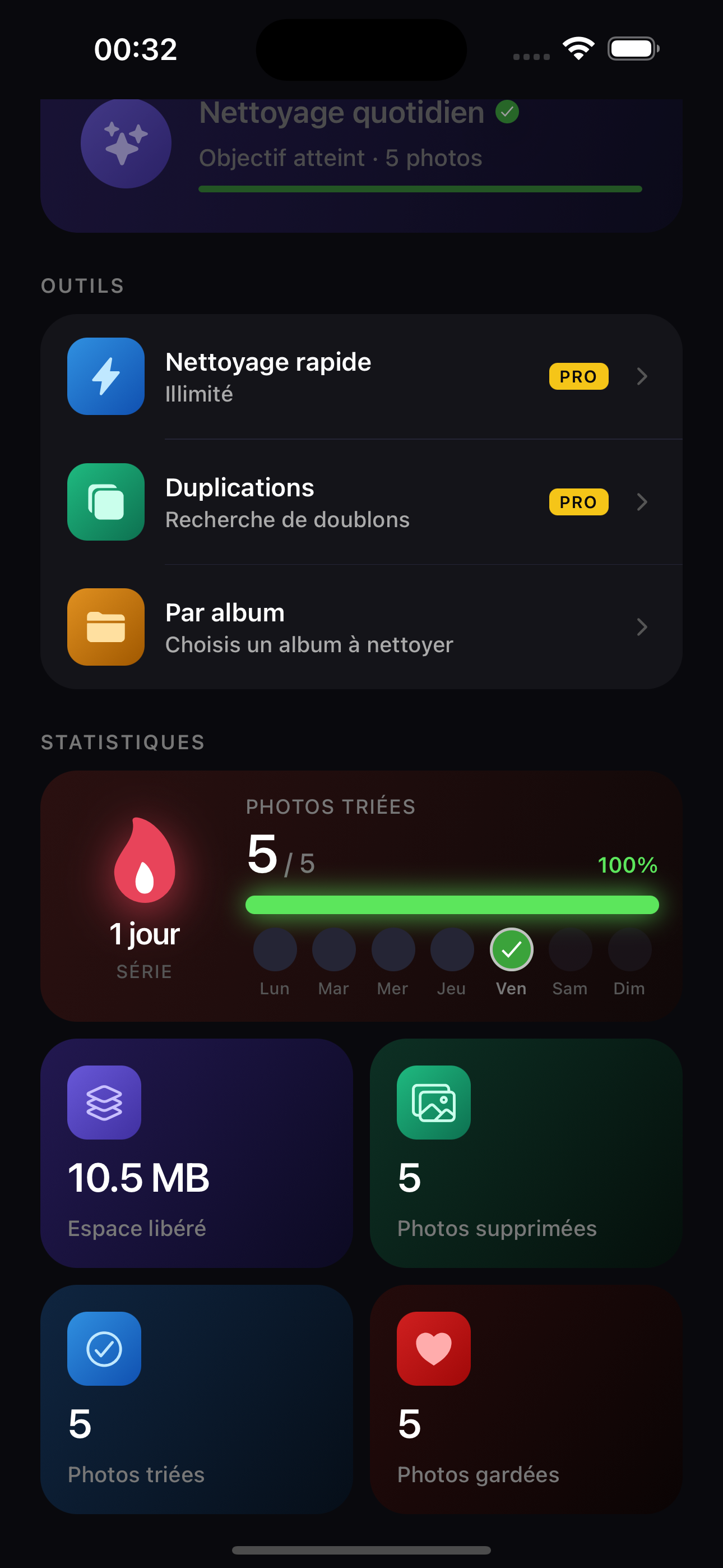
Quick clean, deep duplicate search, or album-by-album — pick your mode from the home screen and start cleaning in seconds.
Quick Clean
Swipe through your entire library in chronological order. Unlimited, fast, thorough.
Duplicates
Auto-detect near-identical photos, burst series, and screenshots — grouped for fast review.
By Album
Target a specific album — your Paris trip, your screenshots — without touching the rest.
See exactly
what you freed.
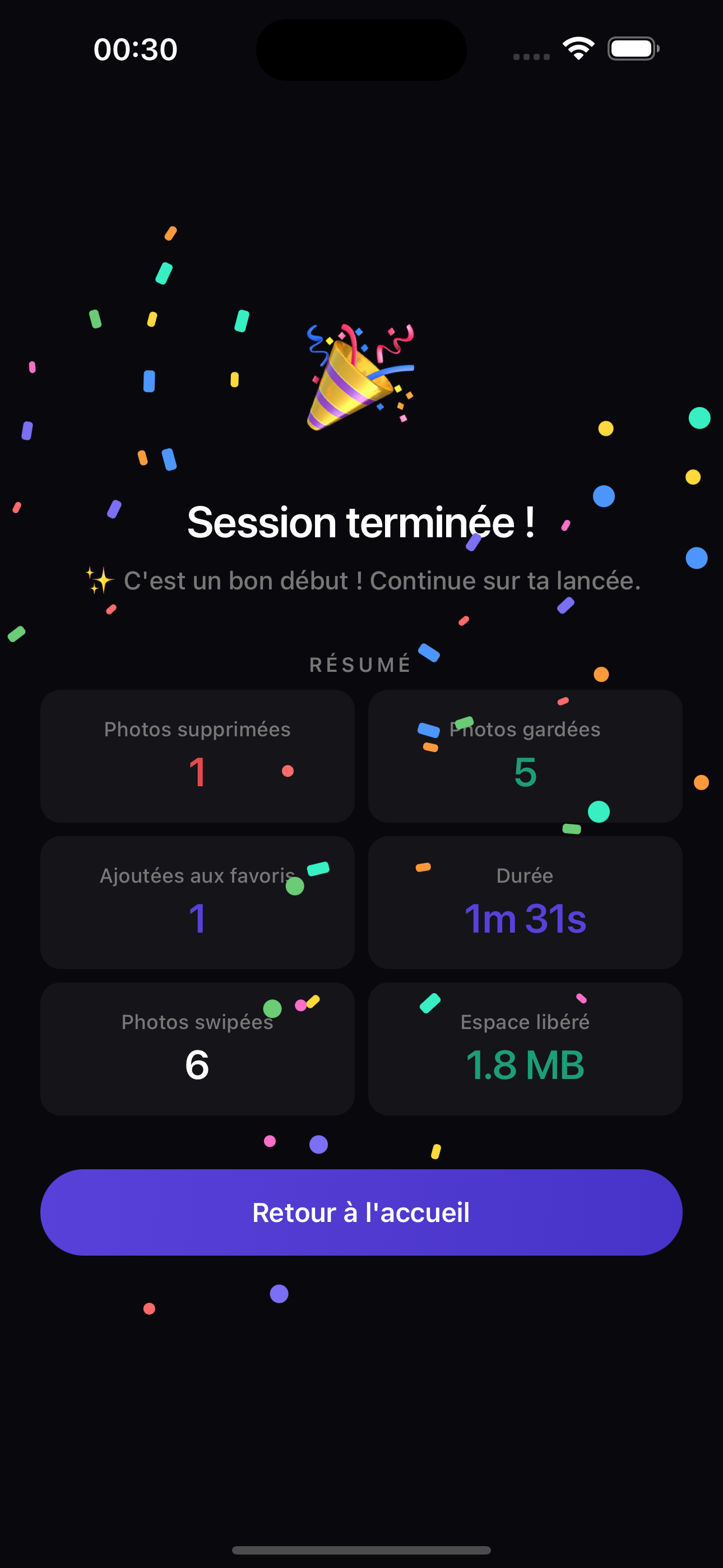
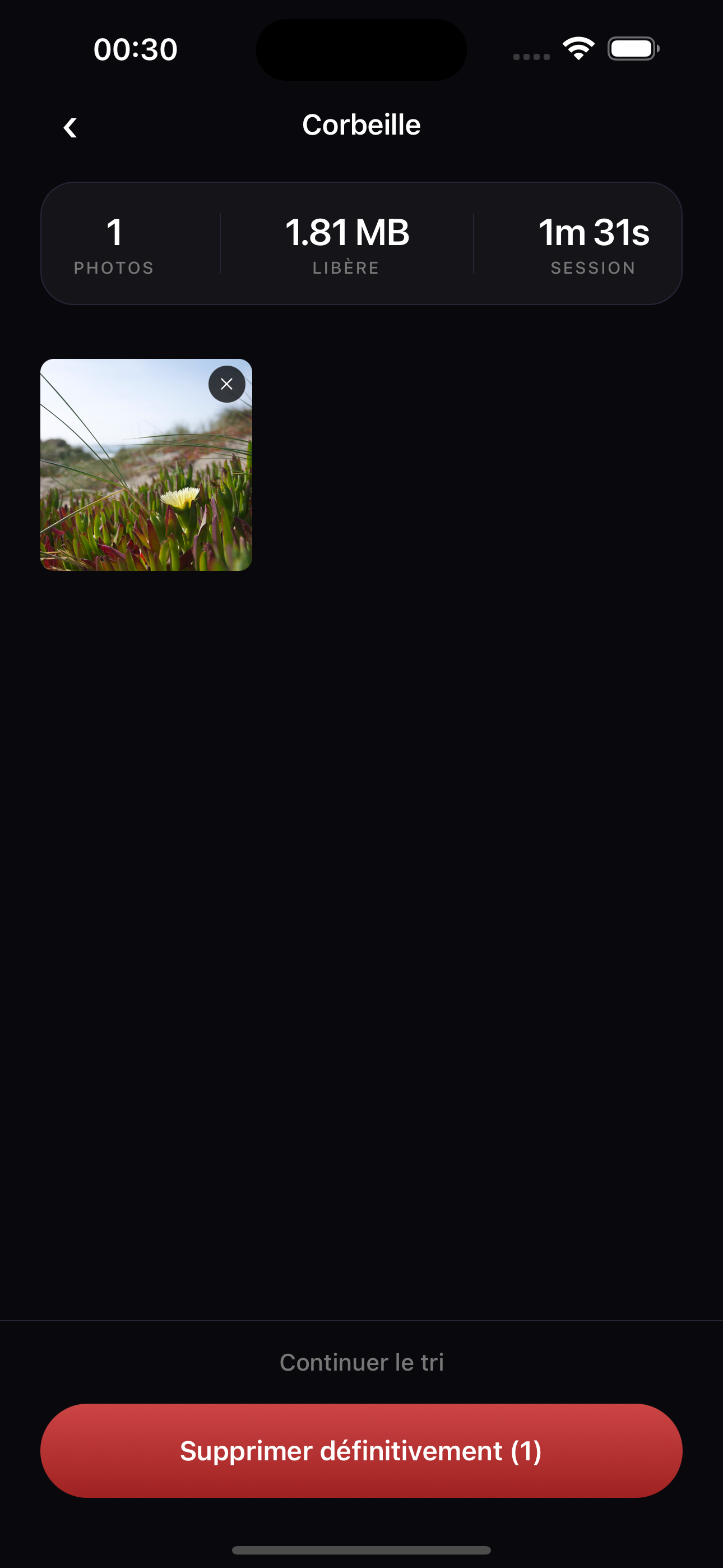
Every session ends with a full recap — photos swiped, trashed, kept, favorited, and megabytes freed. And before anything is deleted for good, review your trash basket and rescue any accidental swipe.
Review before you delete
Photos go to a review basket first — scroll through, rescue mistakes, then confirm. Nothing is gone until you say so.
Storage reclaimed
Exact MB/GB freed — no guessing, no estimates.
Full session recap
Photos deleted, kept, favorited, duration — the whole picture after every session.
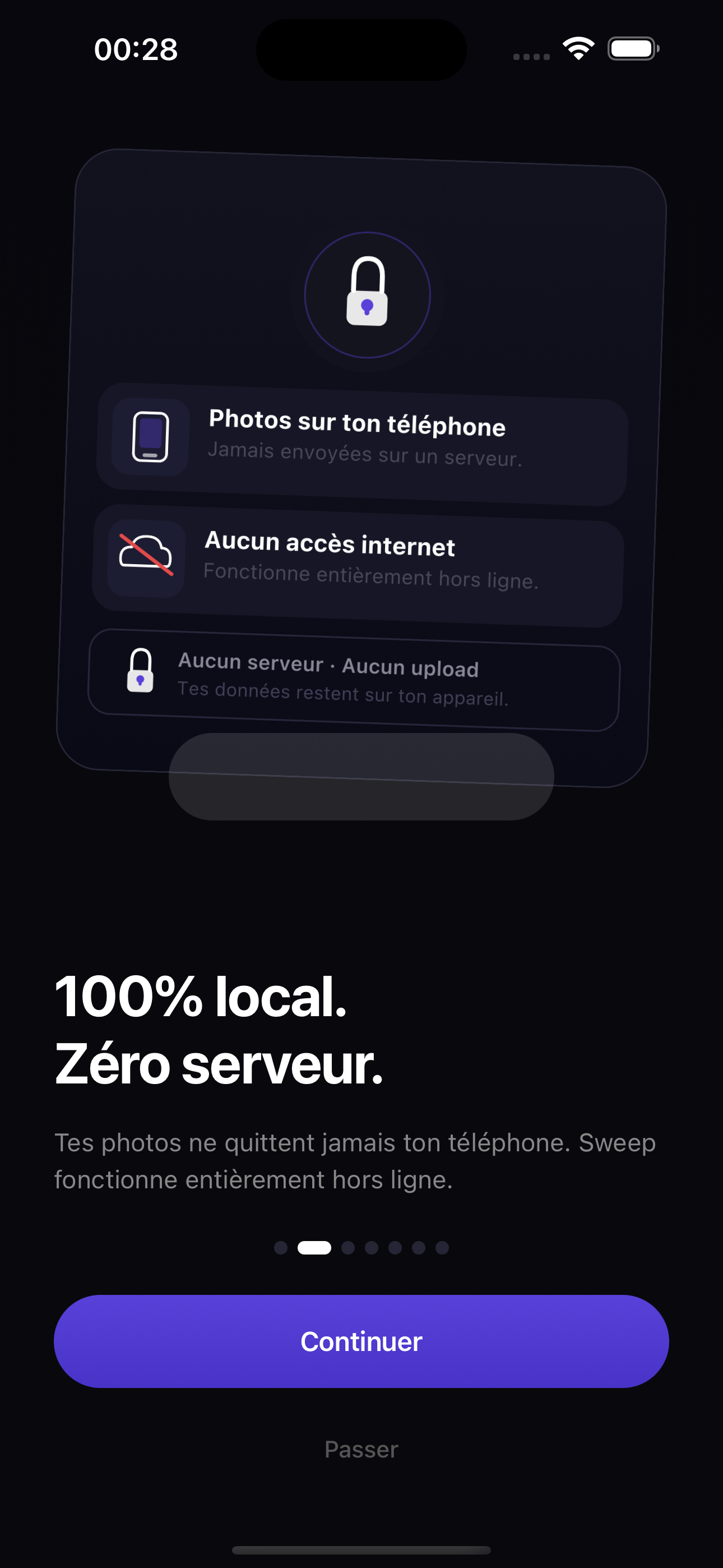
100% local.
Zero servers.
Your photos never leave your phone. FlickFlush works entirely offline — no account, no upload, no cloud. What happens on your device stays on your device.
Photos stay on-device
FlickFlush never sends any photo or metadata to a server.
Works offline
No internet connection required. Ever.
No account needed
Open the app, start swiping. No sign-up, no tracking.
One app. Every library.
Whether you want a quick blitz or a deep clean, FlickFlush has the right mode for the moment.
Quick Clean
Swipe through your full library chronologically. Unlimited photos, zero friction. The fastest way to make a dent.
Duplicates
FlickFlush auto-groups near-identical photos, burst series, and screenshots. Review each cluster and wipe the waste in one tap.
By Album
Target one album at a time — your last trip, your screenshots, your camera roll. Clean surgically, not blindly.
Stop scrolling.
Start cleaning.
Your photo library is waiting. Download FlickFlush and reclaim your space in minutes.